Fix every
product image.
Keep every folder.
Upload the folders you already have. Jeani measures every image, crops the product to fill the frame, cleans it up and checks its own work. What comes back sits in the same folders under the same names, in whatever format your recipe asks for.
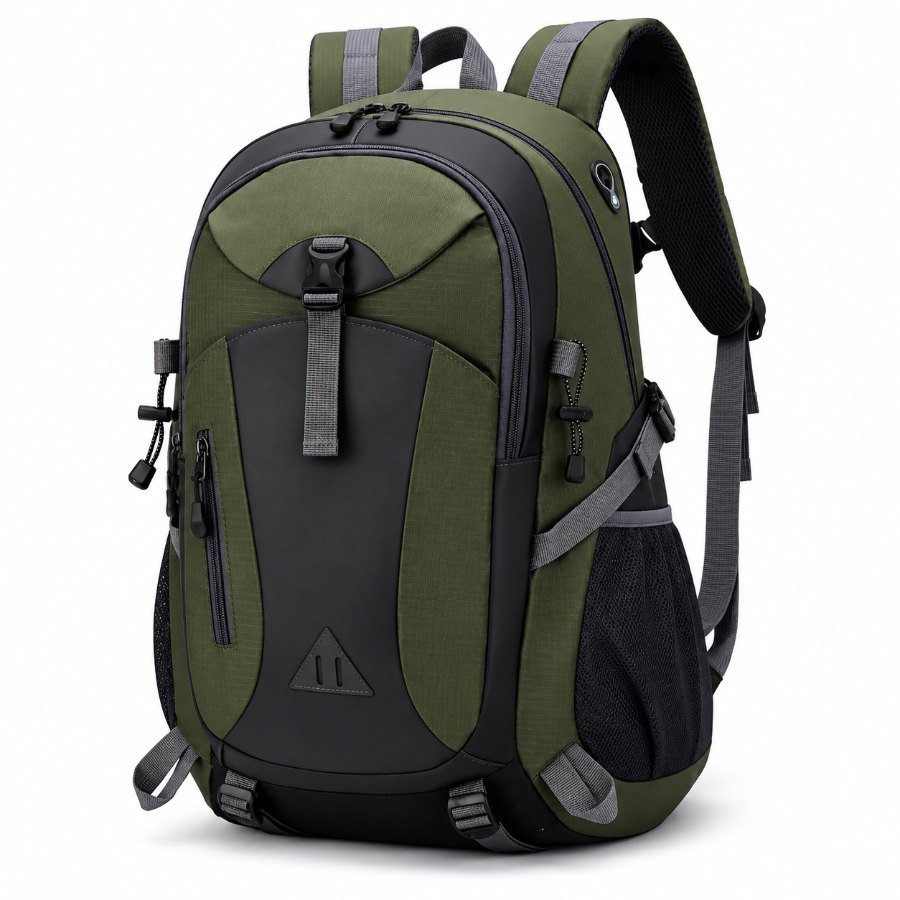


Product images under 500 × 500 get disapproved.
Google is raising the minimum resolution for main and additional images to 500 × 500 across every category, apparel included, and recommends 1500 × 1500. A 300 × 300 image approved in December is disapproved in February with nothing about it changed. Jeani's default recipe outputs 1500 × 1500 and upscales anything below your minimum resolution, so the catalogue clears both numbers in one run.
Four steps, and proving the recipe on ten images costs nothing.
Upload
Drag in a folder or a ZIP. Every path stays exactly where it was, down to the last subfolder.
Analyse
A free pass measures whitespace, resolution, background and blur, so you see the damage before you pay for anything.
Set the recipe
Take a preset or set coverage, canvas and background yourself. Test it on ten images first, free. Recipes are versioned and snapshotted at submission, so later edits never change past runs.
Process and check
Every result is measured against its original: same product, logo, colour, canvas, coverage, sharpness. Anything Jeani is unsure about is flagged in a review queue for you to approve or reject.
One account, a workspace per client, catalogues that never mix. Start every client from the same shared presets and let each client review their own images and nothing else.
See what is wrong with your catalogue before you spend a credit.
Upload, get the analysis, run ten images for free. The results are yours either way.